
Everything Redkeep does
Redkeep is one job — make a saved collection findable again — done across three surfaces: a popup for the two things you press often, a side panel for finding, and an organiser tab for the work that needs room. Everything below runs in your browser, and everything below except auto-filing runs without an account.
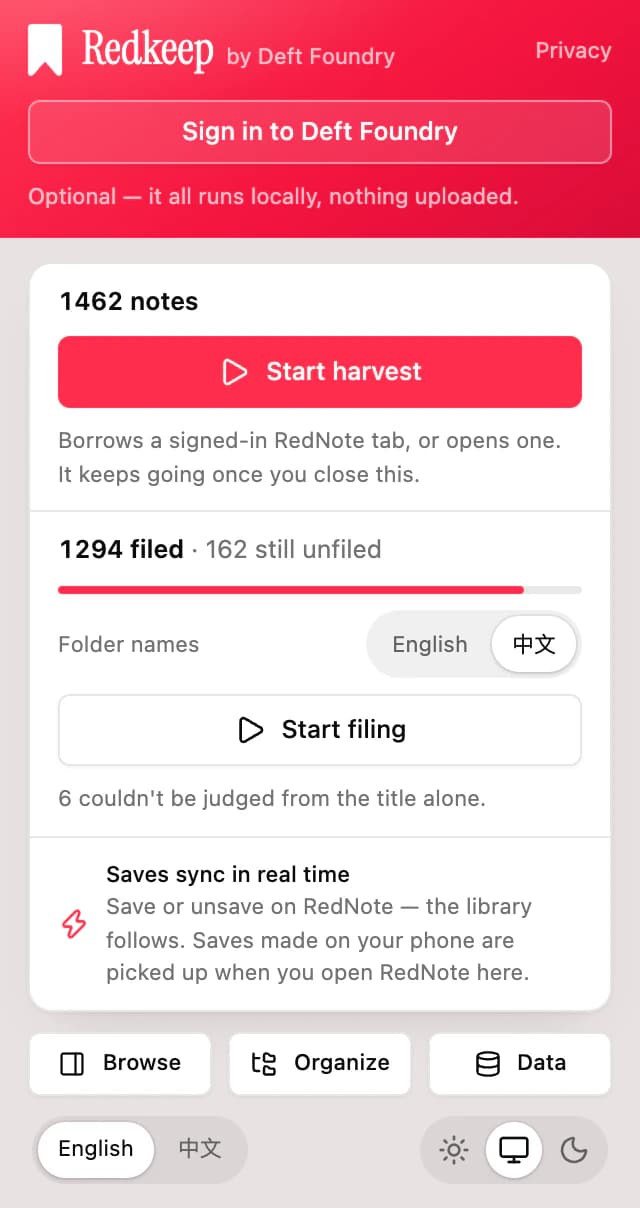
It brings the whole collection in, in the background
Press start and it works through your saved posts a page at a time, inside the budget RedNote's own rate limit allows. It wakes on a timer instead of holding a progress bar, so the harvest is something you start rather than something you attend.
- Closing the panel, closing the tab or restarting the browser costs nothing — it resumes from where it stopped.
- About forty pages in a burst, then roughly one a minute. That is the account's budget, not a throttle we chose, and asking faster does not raise it.
- The library is searchable from the first minute rather than the last: a collection of about 1,900 posts is 188 pages, and you can use the first one.
- A later pass walks the front of the list for whatever you saved since, instead of starting the 188 pages over.
Save something in RedNote and the library already knows
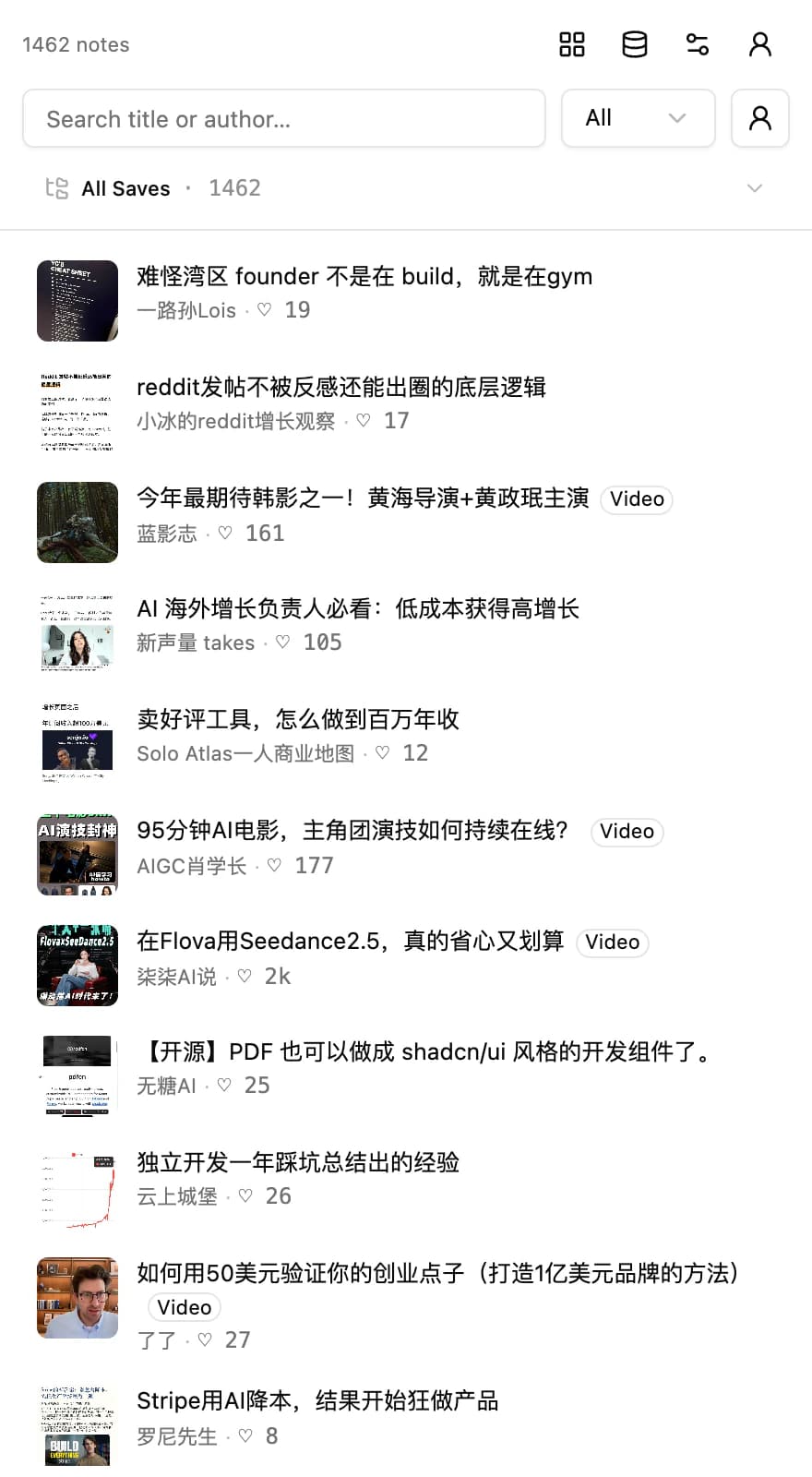
One-way is about what the extension does to your account, not about how current it is. It never writes anything back to RedNote — and it notices, within seconds, when you do.
- Save a post in RedNote and it appears here; unsave it and the row goes. No re-harvest, no stale rows.
- It watches only the two RedNote domains, only the addresses of those requests, and never a response.
- Nothing is ever created, moved or deleted in your RedNote account. The web version has no way to manage albums at all — this builds an index beside it instead.
Search that answers while you type
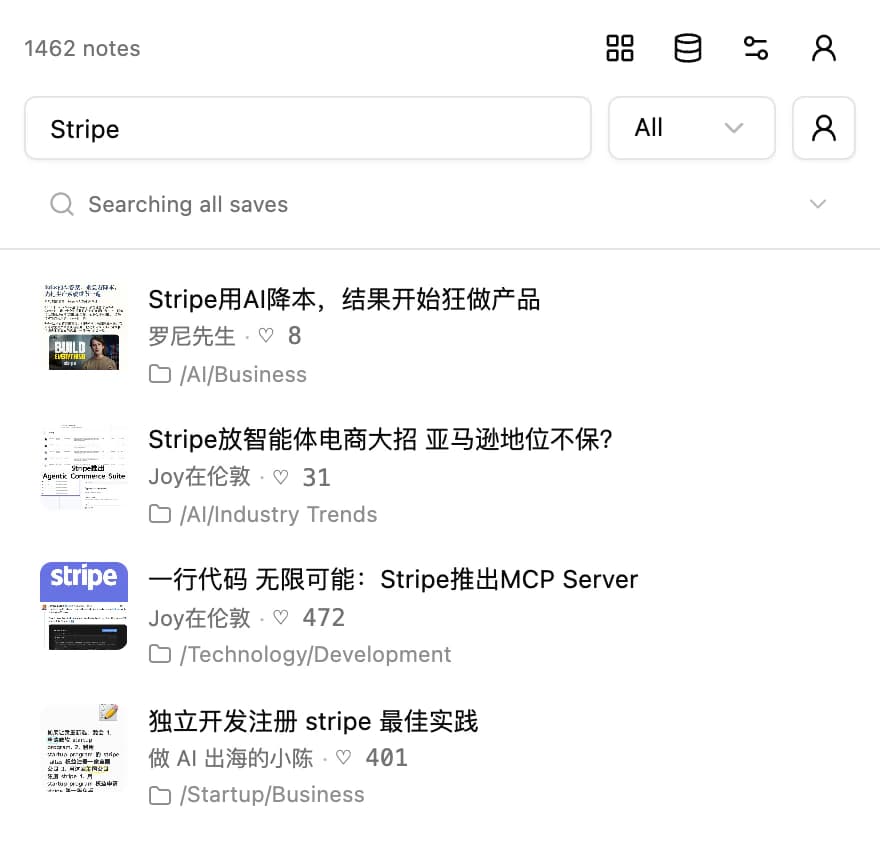
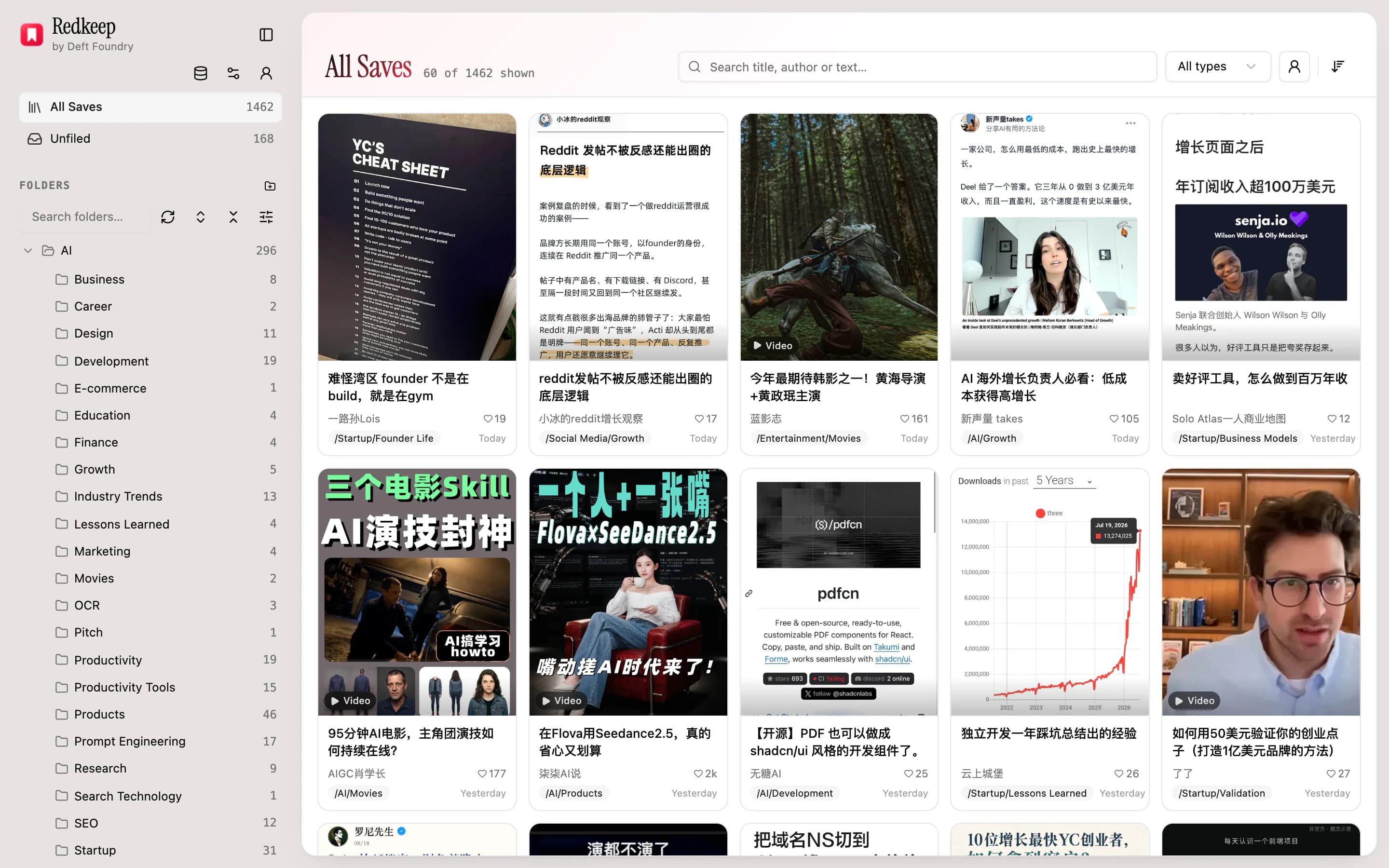
Every title and every author is indexed in the browser and the whole library is in memory, so a search is a filter over what is already there rather than a request — results land the moment you pause, with nothing fetched and nothing to wait for.
- Type and the panel leaves browsing and searches the whole library flat, with a folder badge on each row saying where that note sits.
- Filter by author or by media type, and narrow to one folder or widen to its whole subtree — the chip beside the box says which of the two you are in, and flips it.
- Clicking a result opens the real post in the tab you are already in. The index is a way back to your collection, never a copy standing in for it.
An organiser tab that behaves like a file manager
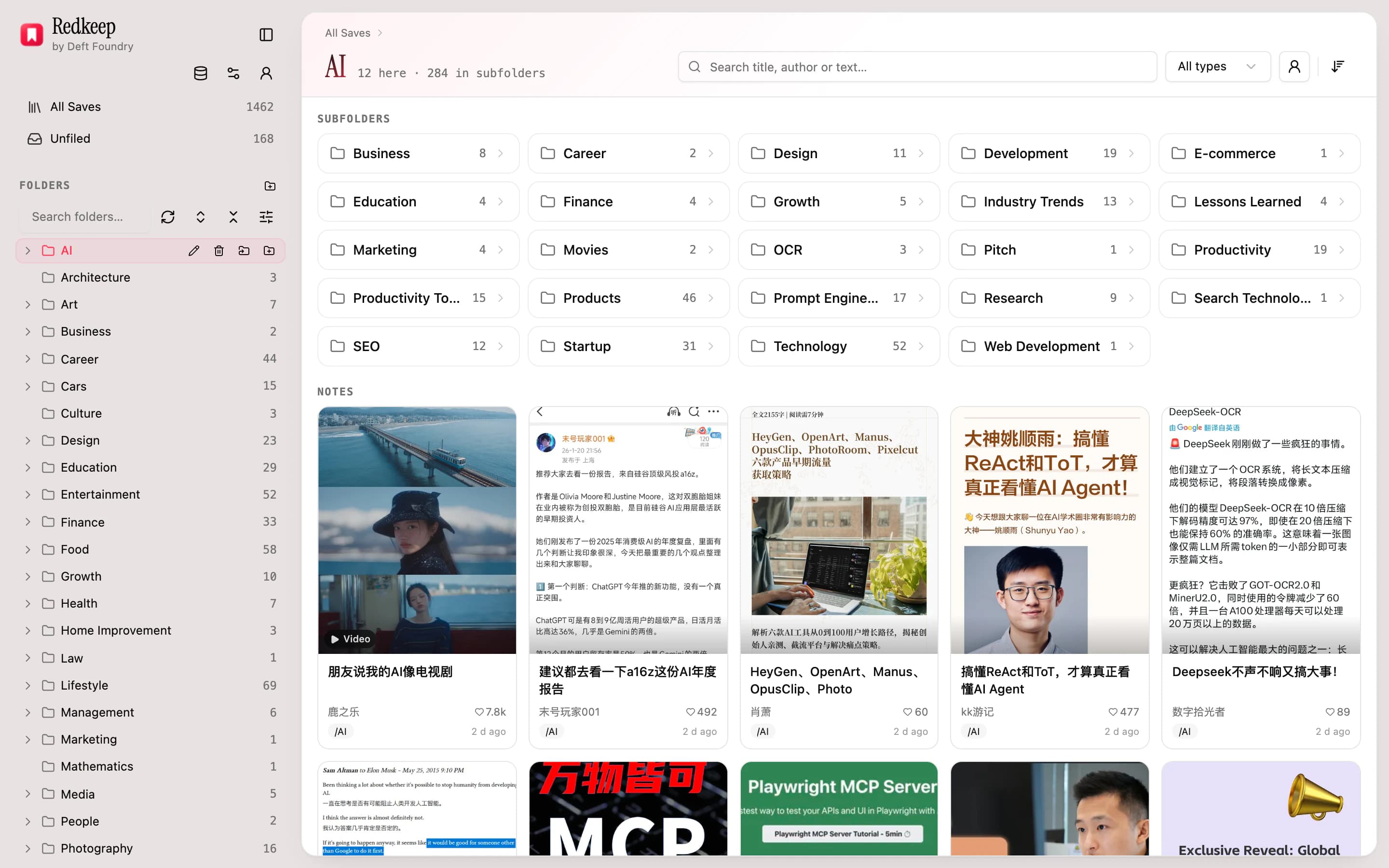
The wide surface, and the one that borrows its rules from Finder rather than inventing new ones: a folder tree on the left, this level's subfolders and this level's notes on the right, a breadcrumb over both.
- Build the tree yourself: create, rename, nest and move. A move that would make a loop is refused, and deleting a folder never destroys notes — they fall back to Unfiled.
- File a batch in one pass: rubber-band a selection in the grid — or tick the cards you want — and move the lot into a folder in one action.
- Filter the view by author or by media type, and open up to ten selected notes at once in background tabs.
- The left rail collapses to a strip when you want the grid, and the grid keeps loading as you scroll rather than paging.
Auto-filing proposes the whole tree
The one feature that leaves your machine, and the one that costs money to run: it reads a batch of titles and authors and answers which folder each belongs in — building the tree out of your own words rather than a taxonomy someone else wrote.
- One level or two, decided per topic rather than always: a branch is earned when several notes in the batch would sit under it.
- It reuses the folders it has already made instead of inventing a synonym for one of them.
- Folder names come out in Chinese or in English, and that is a separate choice from the language you read the extension in.
- Undo the entire run in one click. Folders you made and notes you filed by hand are never touched — by the run or by the undo.
- A free account gets its first 200 notes filed, cumulative for the life of the account. Nobody buys a classifier they have never watched classify.
Everything that can be done to the library, on one page
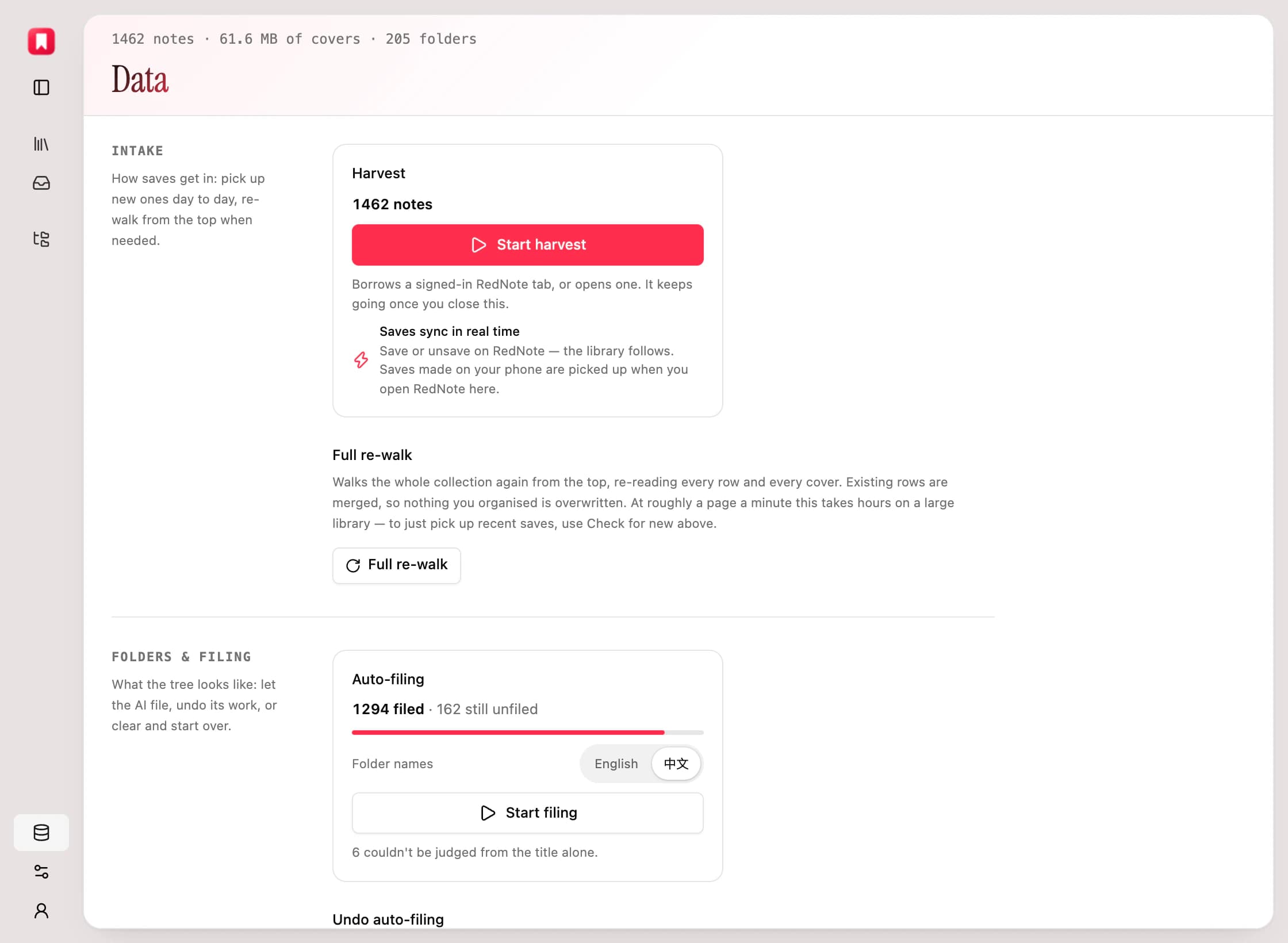
One page is the superset: if an operation changes this library, it is here — with the sentence that says what survives it printed above the button rather than after you press it.
- Back the whole library up to one JSON file, and import it on another machine or after a reinstall. Covers are left out — they are re-fetchable, and including them would multiply the file for bytes you already have upstream.
- Re-run a full harvest, undo an auto-filing run, or empty the folder tree without touching a note.
- Re-fetch covers or clear the cover cache when a thumbnail has gone stale.
- Reset everything, if what you want is the extension as it arrived. Nothing here asks a server — there is no copy of your library anywhere else to reconcile with.
Get Redkeep
It's on the Chrome Web Store. The free tier is the whole tool and its library needs no account; the paid tier is bought once, if you want it.